
How to Recover Your WordPress Site After a Failed Update (Web HosTech Guide)
Introduction You hit “Update” on your WordPress site—and boom. Suddenly, your website is acting weird, pages won’t load, or worse, […]

Introduction You hit “Update” on your WordPress site—and boom. Suddenly, your website is acting weird, pages won’t load, or worse, […]

Let’s be real—having your website hacked is stressful. Whether it’s redirecting to spammy pages, showing weird content, or just mysteriously
Webhostech’s malware removal service is available to assist you in protecting your website from malicious software. The following guide will

Are you ready to build a website & market your brand? You have to follow number of the steps. The

Launching a new website is an exciting endeavor, much like the grand opening of a new store or restaurant. Just

In the ever-evolving landscape of online businesses, WebHostech is at the forefront of offering flexible partnership opportunities to help individuals

If you’re new to the Internet, modern web browsers will ask if you want the browser to remember your password

You can get started with WordPress quickly and easily using the Softaculous one-click installer located in Web Hostech’s cPanel area.

You may have noticed that you have two options in your cPanel – Email Filters and Global Email Filters. Global

(Hosted at Web Hostech or Any other Server) Now you can read & Reply to mail which comes into addresses

The underline explanations help to understand the scenario of the user on browsing website upon summoning web page that has

Are you looking to register a domain name, choosing the right domain name is an important first step for online
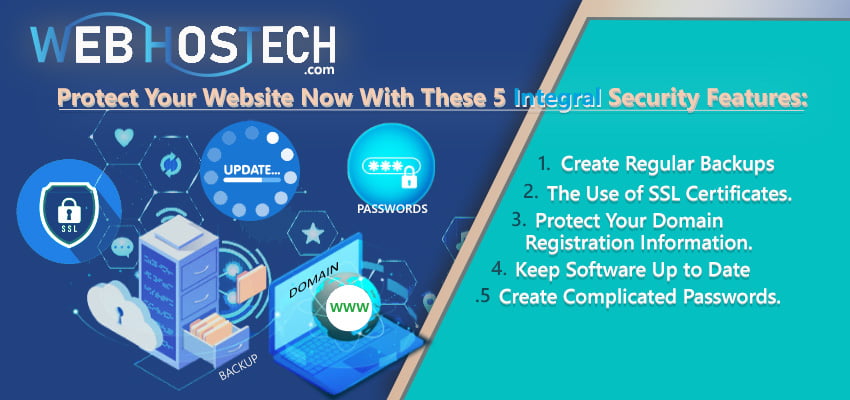
When you have established your WordPress website, this is time to think about security due to the target of hackers.

How Do I Create a Backup of My Website? The backup tool provided by cPanel is very resource intensive, and

[vc_row][vc_column][vc_column_text] There are two ways to update your WebHostech account password. First, we’ll go through the steps to take if

[vc_row css=”.vc_custom_1711454295158{margin-top: 100px !important;}”][vc_column][vc_column_text] How to Login to cPanel | Web Hostech Hosting Panel: IN This tutorial WE WILL discuss about



